
 Join our Discord
![Interact Ui [OS]](https://dunb17ur4ymx4.cloudfront.net/packages/images/3ea2f20cf8c6379da2d06d0c080e708b0f3e3389.jpg)
# PREVIEW IMAGES
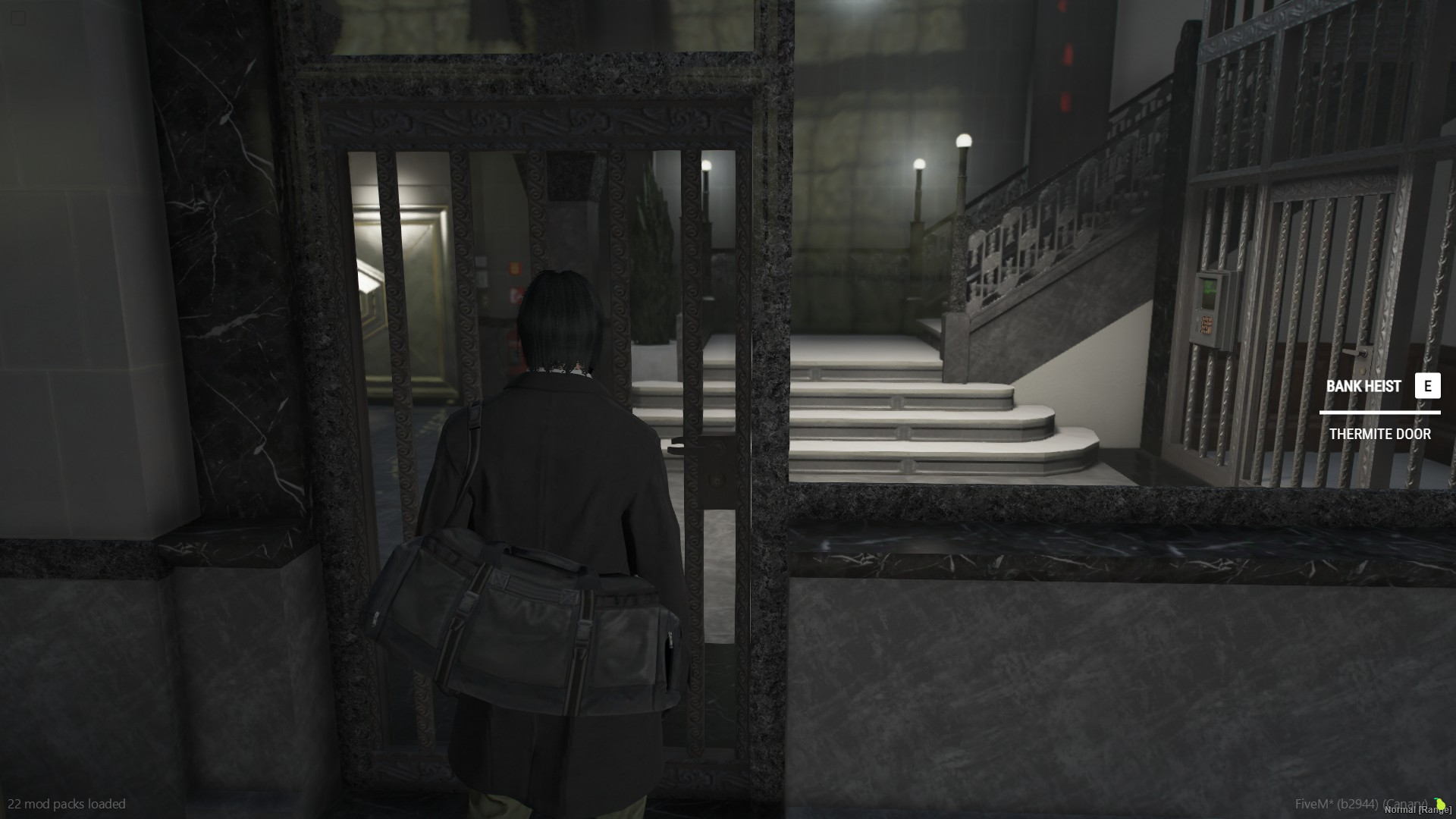
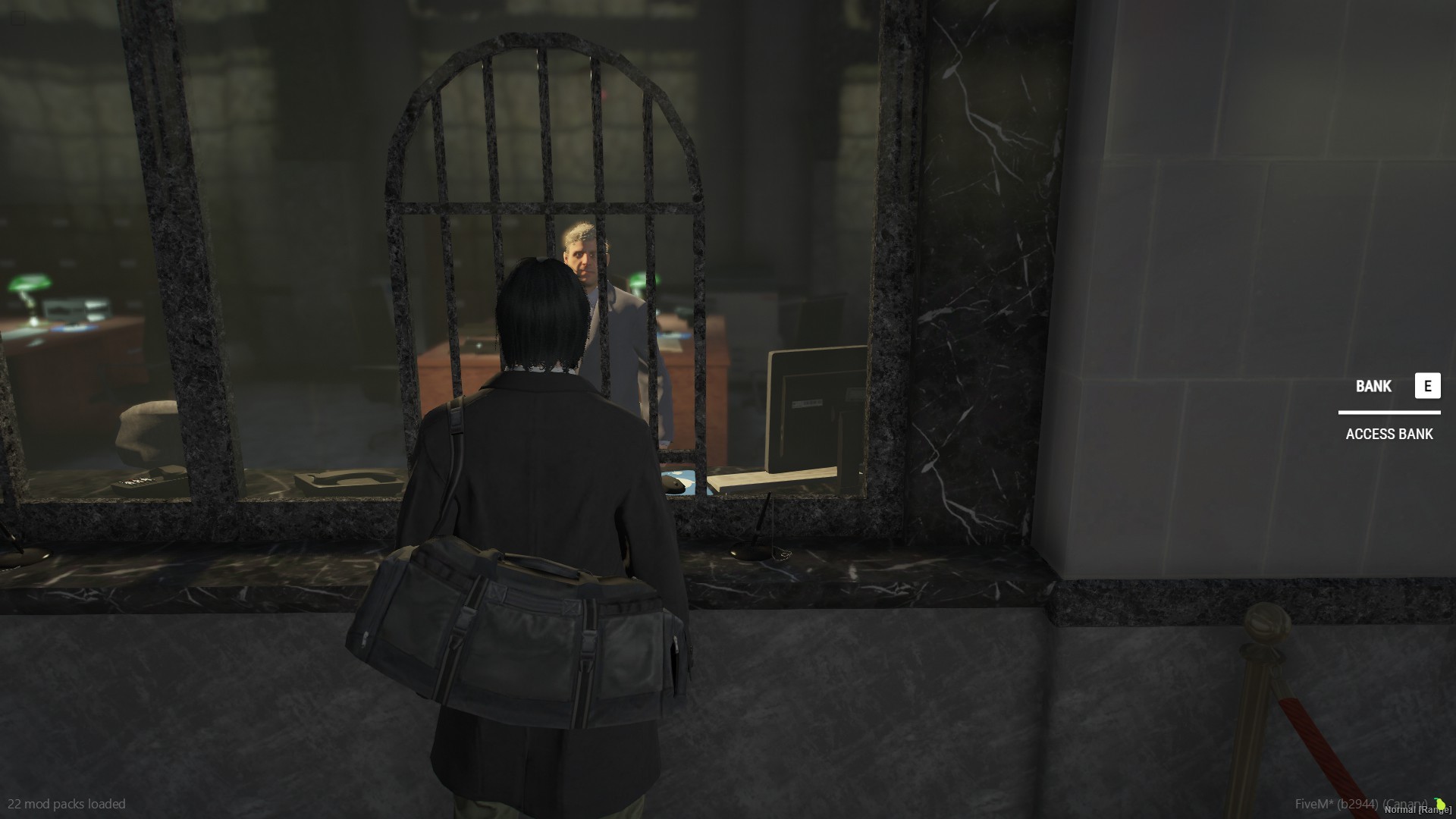
EXPORTS
> `exports['v-interact']:Show(title, input, description)`
> `exports['v-interact']:Click()`
> `exports['v-interact']:Hide()`
EXAMPLE
> exports['v-interact']:Show('BANK HEIST', 'E', 'THERMITE DOOR')
How to Use
1) Download and place the script into your server
2) Ensure resource in server.cfg "ensure v-interactui"
3) Add the export `exports['v-interact']:Show(title, input, description)` (change the title, input and description) to any script you'd like it for example a bank script, heist, etc
4) You will need to use an "IsControlPressed" fivem native in your script
5) *Optional* Add `exports['v-interact']:Click()` once pressed
6) Be sure to add `exports['v-interact']:Hide()` for when you want the ui to disappear like when button pressed or when not in range
If you have any technical questions or need support, feel free to join V-Scripts